Jim Salter

Things Jim Says on Podcasts

Covers home and small-business IT infrastructure, from ZFS storage and network gear to backup practices, usually judging products by how they fail. That shows up in his comparisons of Wi-Fi controller brands, where he weighs how badly cheap hardware degrades once the management layer goes down. Hosts the podcast 2.5 Admins and writes for outlets including Ars Technica, where his ZFS and storage coverage is widely read among sysadmins.

Where to Find Them

Jim Salter hosts 2.5 Admins . They have also been a guest on Late Night Linux (5 times) and LINUX Unplugged (3 times) .

Recently: “2.5 Admins 319: Funding Open Source” on 2.5 Admins (October 2026); “2.5 Admins 318: End of Exchange” on 2.5 Admins (September 2026); “2.5 Admins 317: Need Less” on 2.5 Admins (September 2026); “2.5 Admins 316: BGP Clipboard Hijack” on 2.5 Admins (September 2026); “2.5 Admins 315: Hot Bus Adapter” on 2.5 Admins (September 2026); “2.5 Admins 314: 50 PBS TBS” on 2.5 Admins (August 2026).

What They Said

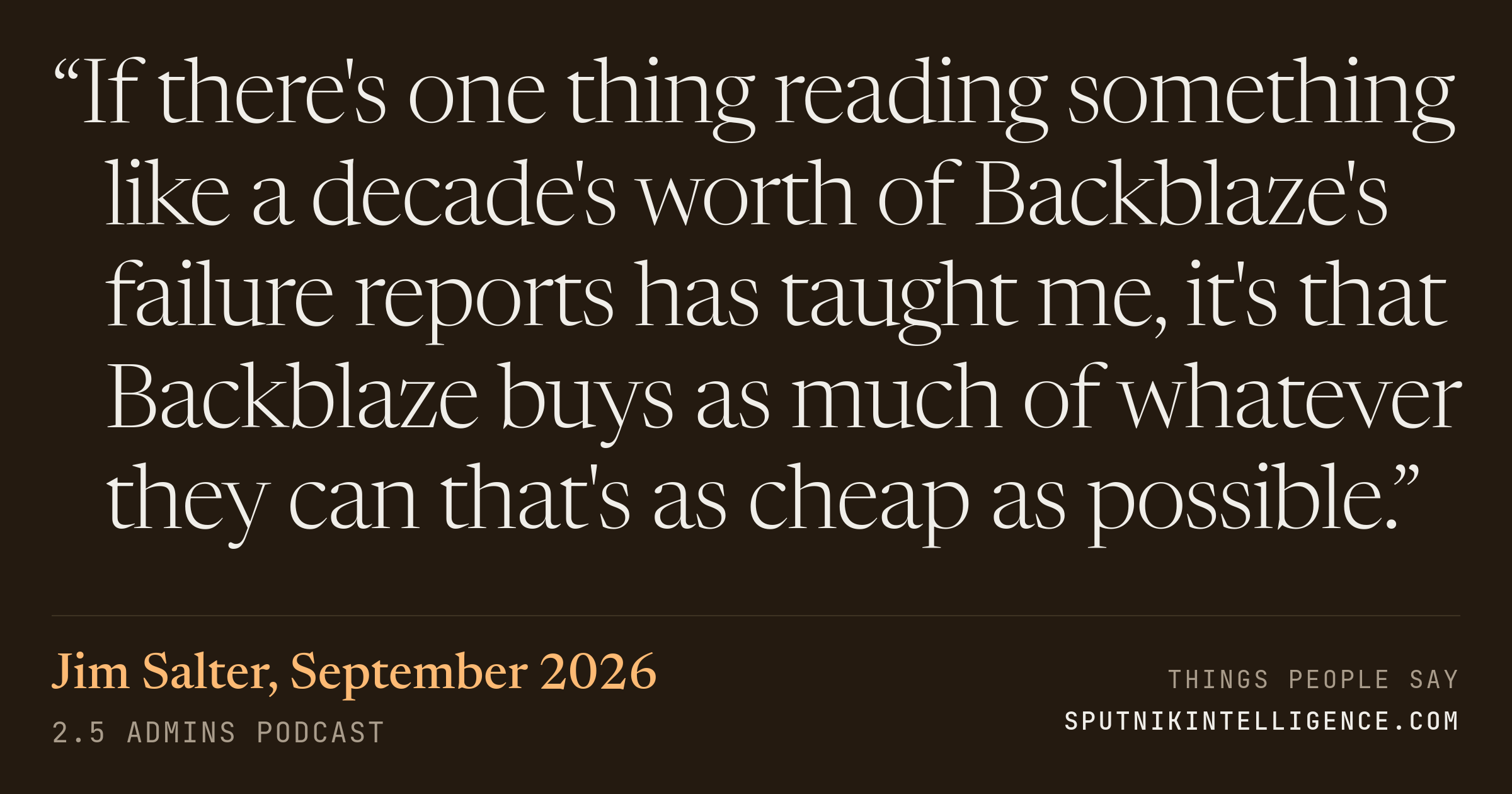
“If there's one thing reading something like a decade's worth of Backblaze's failure reports has taught me, it's that Backblaze buys as much of whatever they can that's as cheap as possible.” — Jim Salter, 2.5 Admins

The hosts were going through Backblaze's latest hard-drive failure report, the dataset most people reach for when they want to know which drives to buy. Salter's argument is that the numbers describe Backblaze's purchasing strategy more than they describe drive quality: the company buys cheap because failure is expected and its infrastructure absorbs it. He finishes the thought by saying that if you aren't willing to do serious analysis on those numbers, you probably shouldn't be reading them at all.

2.5 Admins · 2026-09-03 Permalink → Listen →
2.5 Admins Around 06:38 into the episode
Joe Ressington

I'm going to have to look now. I don't think I want to, though.

Allan Jude

There is that. You should also maybe read a little bit into some of the numbers of which drives Backblaze bought. For example, while the Toshibas had that slightly higher failure rate, they kept buying them. I wonder why. Is it because maybe they were less expensive, even though they had a slightly higher failure rate? Or were they just more available? Or, you know, there was some reason why Backblaze kept buying them anyway. And, you know, it doesn't mean that the Toshiba drives are bad.

Jim Salter

If there's one thing reading something like a decade's worth of Backblaze's failure reports has taught me, it's that Backblaze buys as much of whatever they can that's as cheap as possible. And that's pretty much the criteria. To be fair, you know, they are a bulk storage company, and it absolutely makes sense for them to look at hard drives as something that not might fail and we'd like to prevent that, but will fail. And we just need to design policies that catch those failures before they become larger problems. So what makes sense for Backblaze may not make sense for you. And if you aren't willing to do some serious crunching and analysis when you're looking at Backblaze's numbers, maybe you shouldn't be looking at Backblaze's numbers because they frequently don't mean what you think they do.

Allan Jude

Yeah, if you have the infrastructure to keep replacing the drives when they fail, a drive that fails more but costs less is an easy trade-off to make. If each time you have to buy a drive or deal with a warranty, it's an issue for you, then you might be willing to pay a little bit more for drives that don't have that.

Jim Salter

And I think it makes sense that we're seeing much lower failure rates in the much larger drives, not only because they're newer, so they haven't had a chance to get to the crappy back side of the bathtub curve, but also keeping in mind, again, that Backblaze buys cheap drives. They want to get the cheapest thing that they can because failure is not only acceptable, it's expected for them. So they're looking for a good deal. And when you look at smaller drives, there used to be cheap drives and expensive drives at pretty much every size point, up until you got to eight terabyte drives. That's really when things kind of started to diverge a little bit. I would argue that when you look at like 16 terabyte or 20 terabyte drives, there really aren't any cheap ones anymore because it's not something that might wind up just being the C drive in somebody's budget laptop or desktop. If you're looking to buy a 16 or 20 terabyte drive, that's specialty equipment. And so I think there's a much higher bar to entry in terms of making something that doesn't suck if you expect to sell a 20 terabyte drive for what that's necessarily going to cost.

Joe Ressington

Changing language for storage capacity. This is a short piece from Michael Lucas, who both of you know.
Speaker names from our own diarization · position estimated from where the line sits in the episode
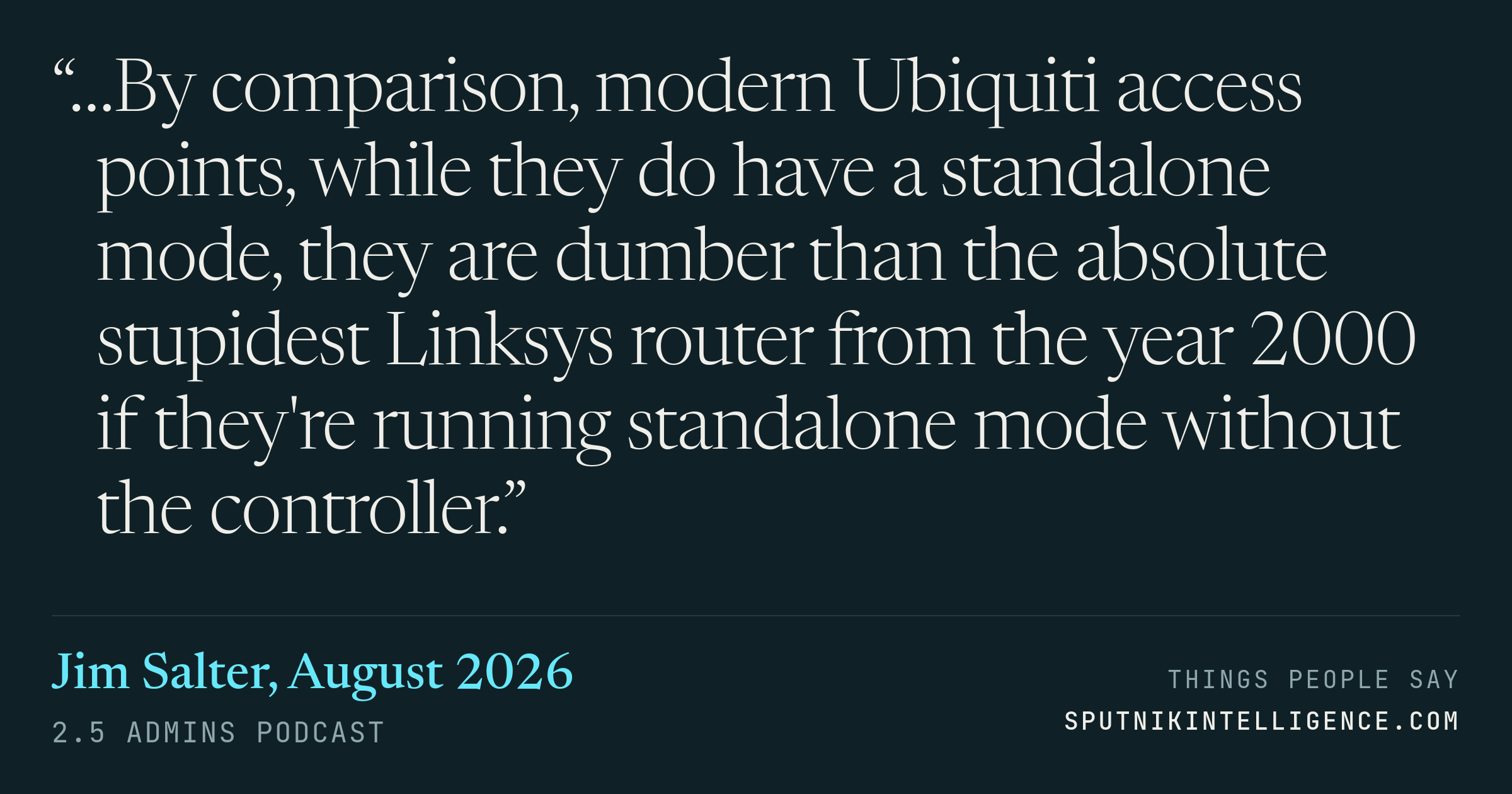
“…By comparison, modern Ubiquiti access points, while they do have a standalone mode, they are dumber than the absolute stupidest Linksys router from the year 2000 if they're running standalone mode without the controller.” — Jim Salter, 2.5 Admins

The show is on hardware Wi-Fi controllers, which Salter notes cost about as much as one or two access points. He installs both brands at client sites, and his objection to the market leader is not price but what the gear degrades into once the controller is gone. He follows it with the first-generation CloudKey, whose non-journaling filesystem corrupted after about three unplanned power cuts in his testing.

2.5 Admins · 2026-08-20 Permalink → Listen →
2.5 Admins Around 25:24 into the episode
Jim Salter

Precisely. And it's worth noting also that, you know, these hardware controllers are not at all expensive. The hardware Omada AP controller that I have at a school client of mine is currently running, I think, 140 or so access points. And that was the expensive Omada controller. And I want to say it cost like $200. The cheap ones like... 50.

Joe Ressington

Yeah, the cheap one is roughly the price of an access point, essentially.

Jim Salter

And the expensive one is roughly the price of two access points. It's not a lot to get into. And I'm a big stickler for if I'm going to run hardware, especially this kind of hardware, it needs to be really, really rock-solid reliable. And one of the big things that got me angry with Ubiquiti way back was when they introduced the first generation CloudKey. You know, the thing was power over Ethernet powered. It had an SD card in it that was formatted with a non-journaling file system. And so you unplug this thing from the switch, you're just crashing it. And in my testing, you get maybe three of those before the file system gets corrupt. Or the non-journaling freaking database running on the non-journaling file system also gets corrupt. And now everything is just trashed. And you better hope that you've backed that up and you know how to restore it. And you're either going to need a new cloud key to restore it on, or you're going to need to get into some fairly deep wizardry to go in and reinstall everything on your corrupt cloud key. It sucks. So when I first started flirting with the Omada hardware controllers shortly after Ubiquiti introduced the CloudKey, the very first thing that I did with the very first one of those little $70 versions is I just crashed the power on it like non-stop. I spent like five minutes letting the thing boot up and unplugging it, letting it boot halfway up, unplugging it, on and on and on. And the thing never died. And I have seen the same kind of reliability out of all of these. And that to me is what makes it worthwhile to actually pay for the hardware controller when in the vast majority of my installations, I actually have a VM hosting appliance. And normally my approach absolutely would be just to start up a VM. Why wouldn't I? I already have hardware to do it. But when the hardware appliance is that inexpensive and that robust and reliable, hell yeah, just give me the hardware. The last thing I want to mention before we close this out is as much as I've been pitching the joys of completely local and on-premise control, if you want the cloud stuff, Omada can do that as well. It's just an option, not something that you're forced into. And even the controllers themselves are optional, I'd like to point out, because all of the features of the Omada access points are fully accessible when they're run individually as standalone devices, each with its own fully functional web interface. By comparison, modern Ubiquiti access points, while they do have a standalone mode, they are dumber than the absolute stupidest Linksys router from the year 2000 if they're running standalone mode without the controller.

Joe Ressington

Right. Well, we better get out of here then. Remember, show at 2.5admins.com if you want to send any questions or your feedback. You can find me at joeress.com slash mastodon.

Jim Salter

You can find me at mercenary sysadmin.com.

Allan Jude

And alanjude.com for me.

Speaker names from our own diarization · position estimated from where the line sits in the episode

Collections They Appear In