 Chris Fisher
Co-founder of Jupiter Broadcasting, a Linux and open source podcast network launched in 2008, who hosts shows on Linux, software development and self-hosting.
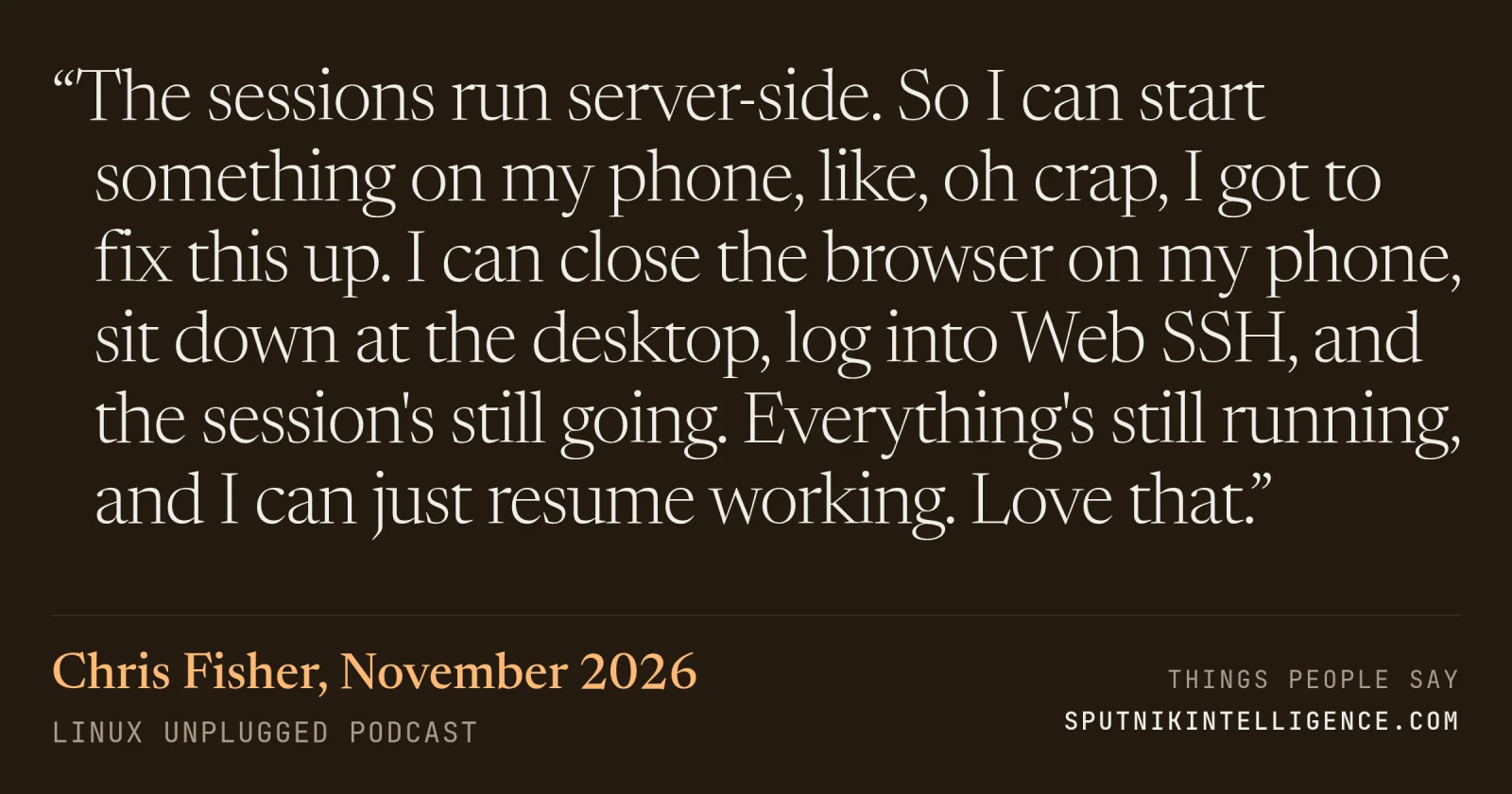
“The sessions run server-side. So I can start something on my phone, like, oh crap, I got to fix this up. I can close the browser on my phone, sit down at the desktop, log into Web SSH, and the session's still going. Everything's still running, and I can just resume working. Love that.”
LINUX Unplugged · Hands-On Engineering Podcasts · November 2026
Context
Chris describes a self-hosted, browser-based SSH workspace he tried that week. He normally avoids web UIs and prefers the terminal; persistence across devices is what won him over.
Transcript
Brantley, we found Web SSH, and I have accepted it into my life. And these things, I bounce off these web-based UI things pretty easily. I'm not somebody who really goes for this type of stuff. You're a
TUI guy. I'm
a TUIGOL just SSH, and I'm a TUE guy. However, I have to acknowledge that when I have been on the go or on a different system from time to time, I have needed SSH access, and it has not been the easiest. And Web SSH is sort of like the solve-it-once kind of solution, and it's potentially solved forever now. It's one workspace. You can keep your SSH sessions, SFTP sources, pre-stored commands in this workspace. You self-host the entire stack. It also supports things like passkey, sign-in, username and password, and two factors, so you can make it pretty secure. It works on the phone or on the desktop. And the sessions, they run server-side. So I can start something on my phone. Like, oh, crap, I got to fix this up. I can start it on my phone, close the browser on my phone, sit down at the desktop, log into Web SSH, and the session's still going. Everything's still running, and I can just resume. Working. Love that.
Yeah, it basically stores all the credentials encrypted on the server thing. And then you do the client-side auth to get access to those. And then everything happens on the server on your behalf.
Hence, the support for pass keys are two factors.
It's quite impressive. Yeah, Bcrypt, they use Flask, so Flask login, WebAuthn and Pass keys, origin checks are there, ReplaySafe, TOTP, single-use recovery codes, OIDC, LDAP supports in there. So they've really good CRSF protection, strict CSP. They do have some vendor depths, so it can be run…
More from LINUX Unplugged