August 2026
Asked why Things built its own sync engine instead of leaning on iCloud, Jainek argued that the foundation has to be provably correct, and then turned to what current AI coding tools cannot do. He runs a company that had just shipped an AI-powered Siri integration, which makes the dismissal less predictable than it looks. His co-host's reply treated it as the clearest statement in the episode of what separates a human developer from a machine.
that's right. Yeah, use your
own. Why did you choose to do that as opposed to use iCloud? Why did you choose to build your own app? Why on earth?
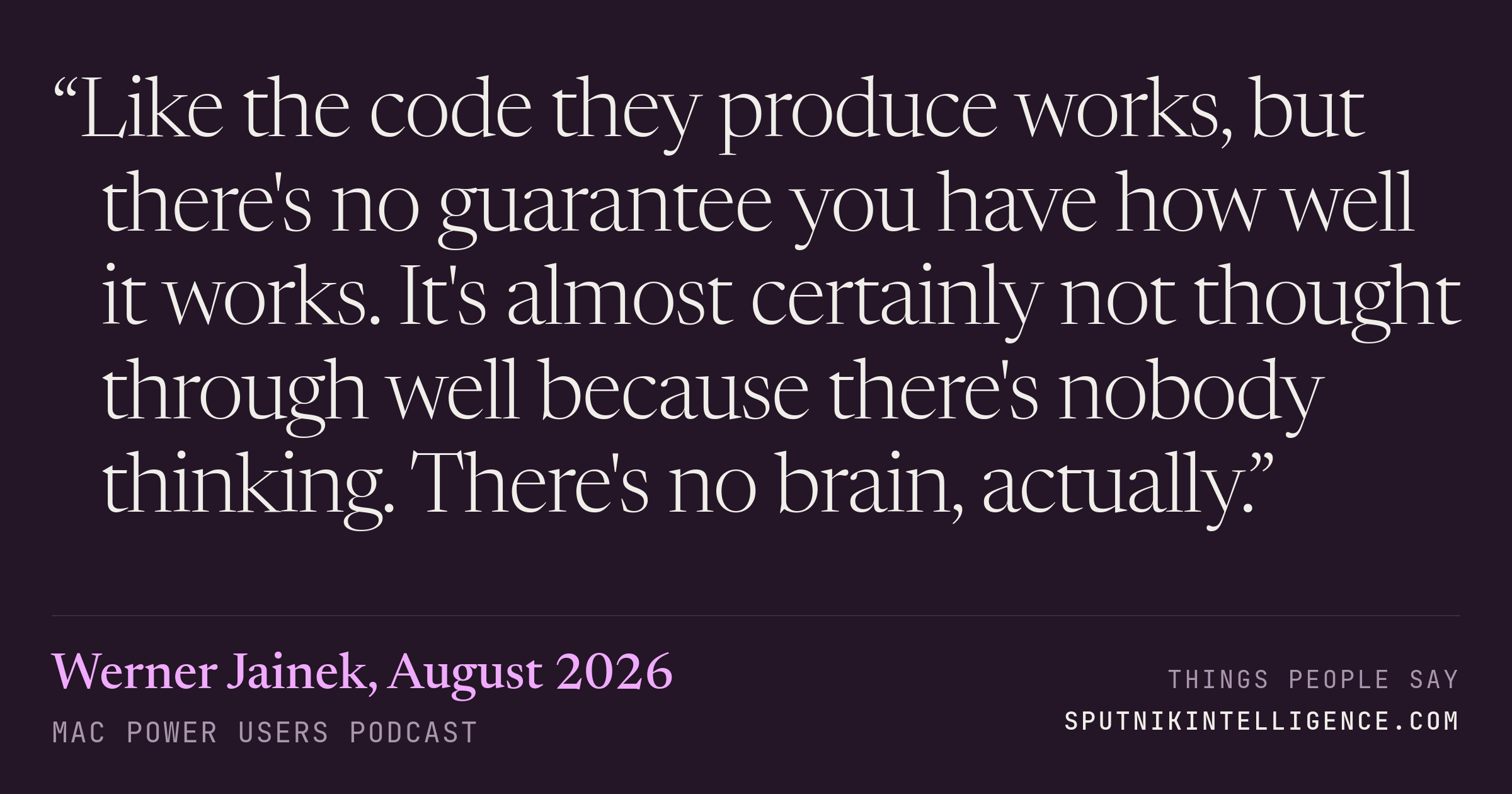
So, first of all, I can answer it in a simple way. It didn't exist back when we built this. So that's the easy, it's the cop-out to your question. I think the better answer is we would do it again, even today. And this is a realization that has only grown over the time we've been developing the app. I view it that, you know, it's this old picture that you have of building a tower. That's sort of what you try to do with software. And you do need a solid foundation. If the foundation is not solid, everything will crumble that you're trying on top. And that starts with the base foundation being the model itself and the ability to sync. And in this area, we have built a syncing mechanism that is very mathematical in nature. So you can almost, I'm not almost, you can make proofs that it's correct if you want to. And we sort of intuit them. We don't write them down formally. But when we're working on this area of the code, it's very much a mathematical endeavor where correctness is like we strive for 100% correctness there. And then also in the layer where we work with the model. And owning this piece of technology ourselves, we can be certain that it works. And that's what we've done and what we love, because then you can start building on top of it. And to this day, users write in and they just rave about the sync being excellent. And that they sadly don't have quite the same experience with other apps. So we love this. And because you asked about AI specifically, I think this is an area where current AIs are just not good at. Like the code they produce works, but there's no guarantee you have how well it works. It's almost certainly not thought through well because there's nobody thinking. There's no brain, actually. Yeah. Like there's no formulation of a concept first that you then manifest in code and then you adhere to that concept strictly and stringently to make sure that it actually works Survives and so forth. None of that you can get with current AIs. So I
could be wrong, but I feel like you just articulated kind of base level what the difference is between a human developer and an AI machine. And while the AI can do certain things, but like you're saying, there is a code, there's like a core part of the human developer speaking into the app that is irreplaceable. And I just love that. That was great. This episode of Mac Power Users is brought to you by Backblaze. The complete Mac backup setup has three layers: iCloud, Time Machine, and Backblaze. iCloud keeps your files accessible across every Apple device, synced and available wherever you are. Time Machine gives you a fast local restore point when you need to roll something back without an internet connection. And Backblaze Computer Backup adds the third layer. Every version of your entire Mac, including external drives, off-site, going back a full year, no storage limits, no file type restrictions. And together, they cover every scenario: serious hardware failure, a file you need to retrieve from six months ago, an earlier version of a project you need to revisit, and more. When I first joined Mac Power Users, we talked a ton about backup, and I did not have a good backup solution. That's why you should use Backblaze and even your friends and family. You might be sending a kid off to college or you're going yourself. Having that automated backup system, especially for someone who might not be technically savvy, it is incredibly important. Mac Power Users listeners get 20% off and you can start your free 15-day trial, no credit card required, at backblaze.com/slash MacPower User spelled out with promo code MPU20. That's backblaze.com/slash Mac PowerUsers with promo code MPU20. Thanks to Backblaze for their support of this show and all of Relay.
Werner, one question I had to ask you is: you make a productivity app, but what are the other productivity apps that you use?
Okay, that's a good question. So I like MindNote, for example. I love that. I'm sure you guys know it. Yeah, that's great. I use a launcher. Currently, I'm using, what is it called?